Batch image processing for Mac

Batch image work, made simple.

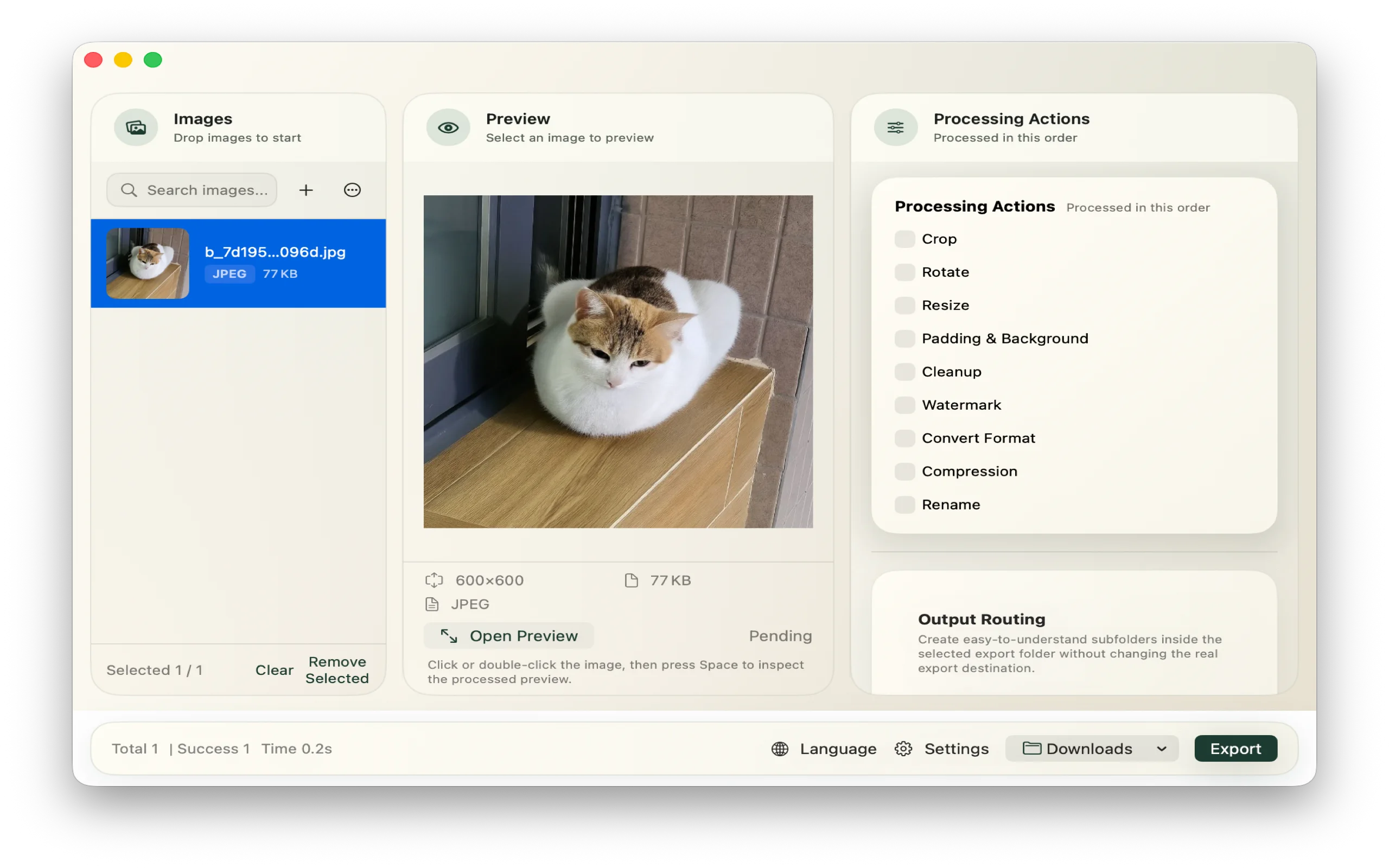
Import, choose actions, preview, and export in one Mac workspace.

Free core tools. Pro is a $5.99 one-time unlock.

  • macOS 13+
  • Local processing
Built for Mac The real ImageFlow Mac workspace showing an imported image, preview, processing actions, and export controls
ImageFlow for Mac macOS 13+

Local

Your images stay on your Mac.

You choose what it can access.

Free

Core tools are free forever.

Up to 50 images per run.

Pro

$5.99, once.

Templates, automation, larger queues.

One simple flow

Four steps. One workspace.

Files, actions, and preview stay together.
  • 01 Import a folder or batch
  • 02 Choose actions
  • 03 Preview the output
  • 04 Export when it looks right
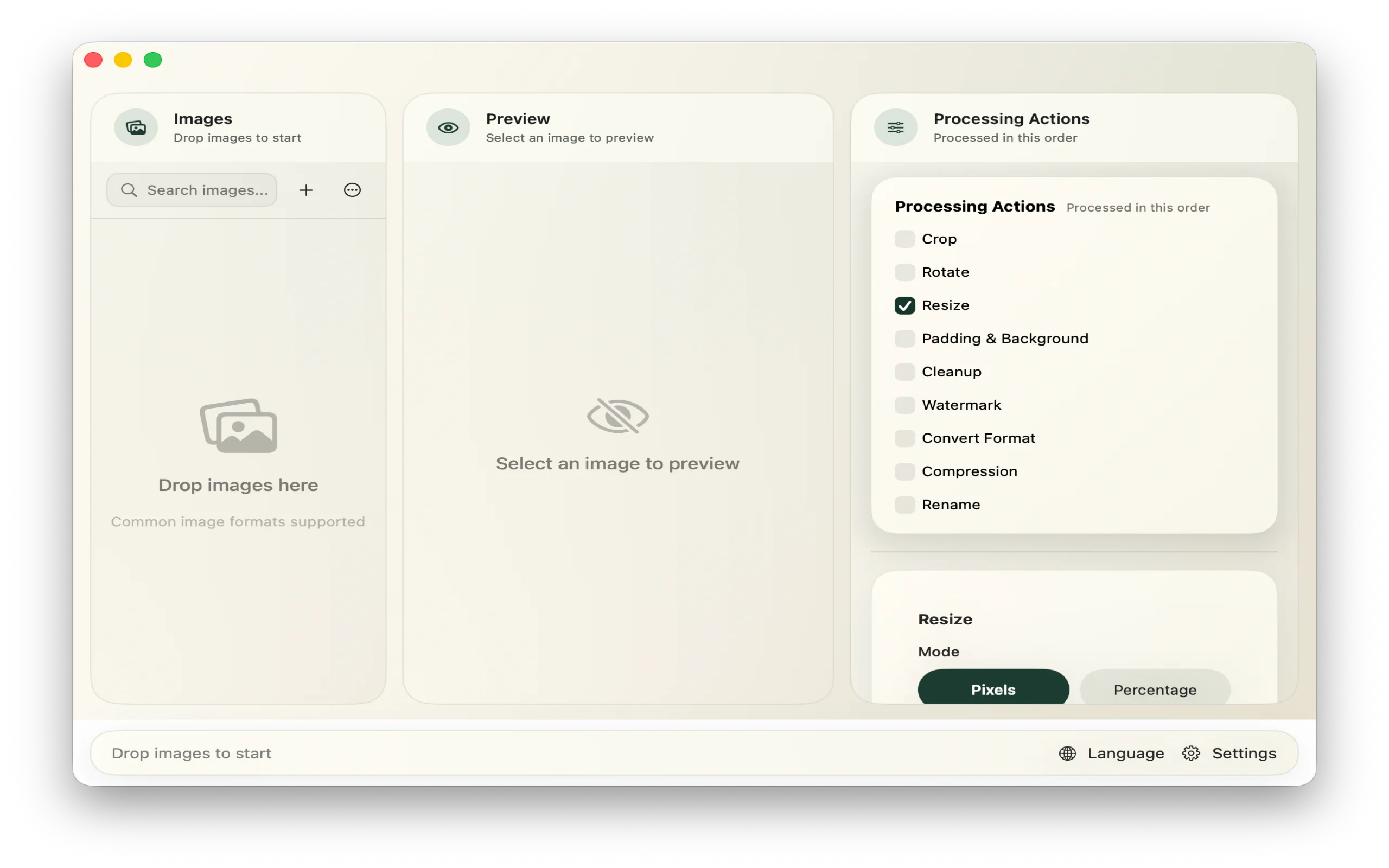
The real ImageFlow workspace showing the image queue, preview area, and processing action list
Import, actions, and preview stay in one view.

What it handles

Everything a batch needs.

Batch processing

Convert, compress, and resize.

Finishing

Crop, rotate, watermark, and pad.

Repeat work

Save templates and automate folders.

Plans

Free to start. Pro for repeat work.

Upgrade only when repeat work needs more.

Free

Core image processing

Free forever

  • Convert, compress, resize, and finish
  • Preview and export
  • Up to 50 images per run

Workflow Pro

For repeat work

$5.99 one-time unlock

  • Saved templates
  • Folder automation
  • Unlimited queue
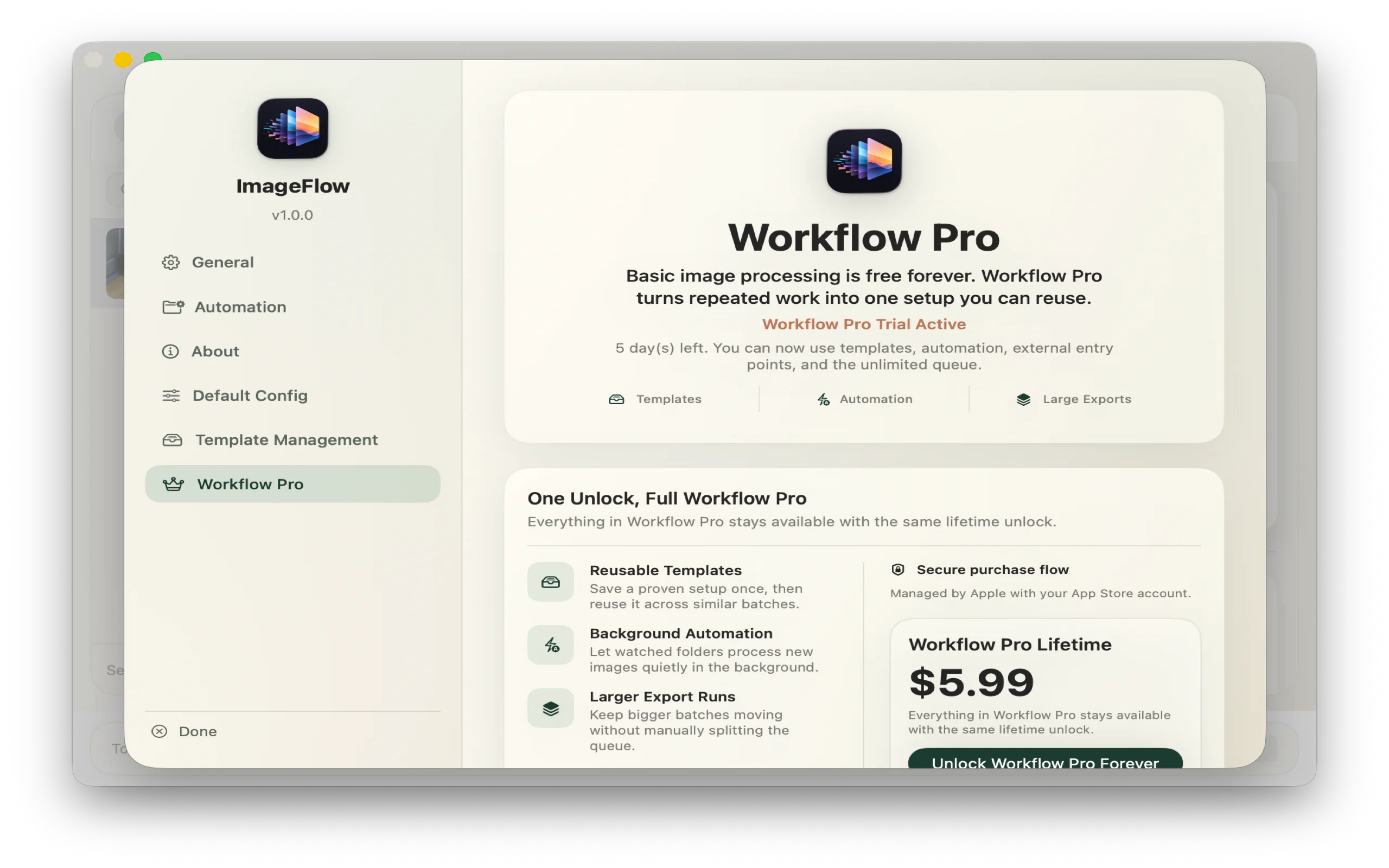
The real ImageFlow Workflow Pro screen showing templates, folder automation, large exports, and the one-time purchase
Workflow Pro in the real app: templates, automation, and larger export runs.

Available now

Make the next batch easier.

Free for macOS 13 or later. Upgrade when you need more.

Built by Lin. [email protected]